
How to Stop Doomscrolling: 10 Ways to Break the Habit and Protect Your Mental Wellbeing
How To Stop Doomscrolling In 10 Easy Ways
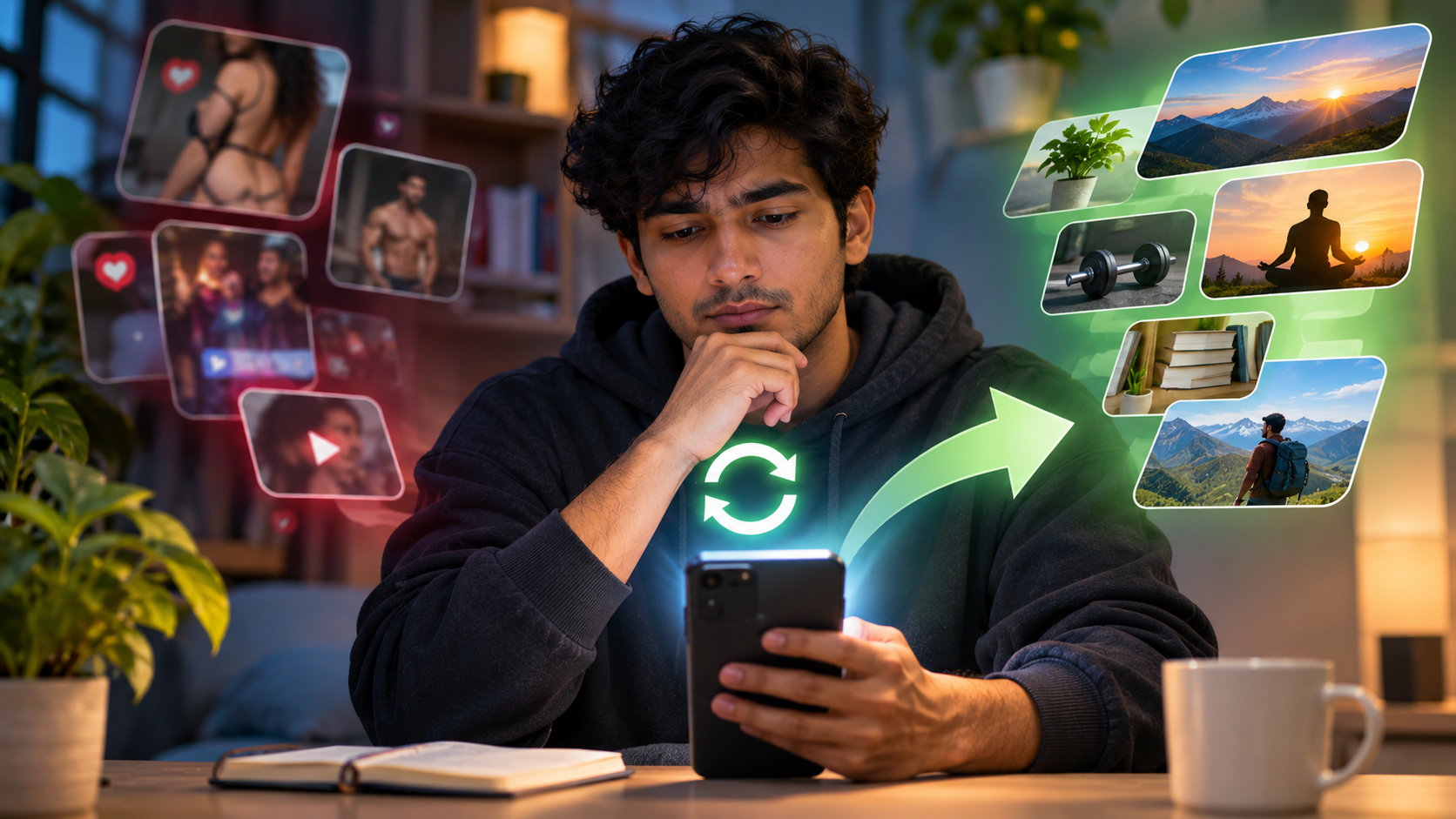
You might have just reached for your phone to quickly catch up on the news but soon find yourself getting sucked into more negative news, videos and comments. This can leave you feeling anxious and stressed but you can’t seem to put your phone down.
This is often referred to as ‘doomscrolling’. It involves continuously scrolling through negative and worrying content online which makes you feel uneasy, overwhelmed and drained.
You don’t necessarily need to stop looking at the news and social media entirely but you can make yourself more aware of how much content you are taking in. Learning how to stop doomscrolling is about building more intentional habits, not ignoring the world around you.
In this blog post we’ll look at what doomscrolling is, how it can affect your mental wellbeing and 10 ways to stop doomscrolling.
What Is Doomscrolling?
Doomscrolling is when you constantly scroll through negative news, worrying stories and stressful content on social media and other online platforms.
This can occur when trying to keep up with the latest news, scrolling through social media or just due to habit.
While it’s important to keep up to date, doomscrolling occurs when you get stuck in a negative cycle. While keeping up to date involves actively seeking out reliable sources of information, doomscrolling can occur without having a clear reason.
You might find yourself constantly checking for updates. Noticing this pattern is an important first step in learning how to stop doomscrolling.
How Can Doomscrolling Affect Your Mental Wellbeing?
A 2026 review looked at 44 reports relating to doomscrolling and found that it was associated with increased feelings of anxiety, depression, psychological distress and decreased wellbeing. However, the researchers noted that confidence in the evidence was very low. This doesn’t mean that doomscrolling will definitely cause these issues, just that there is a link.
Everyone may react differently to online content but if you’re finding that you’re becoming more stressed and overwhelmed by constantly scrolling through negative content then making a few changes can help.
Here are 3 ways that doomscrolling can affect your everyday life.
1. Increased Feelings Of Anxiety
Constantly looking at content about threats, arguments and worrying situations can cause you to focus on the negative.
You might feel the need to constantly check for updates but nothing you can really do with the information. This can cause you to get into a cycle of constantly searching for answers and making you feel even more anxious.
2. Constant Scrolling
Many social media platforms have continuous scrolling so there isn’t really any stopping points.
This can cause you to easily scroll from story to story without realising how long you’ve been on. You may have intended to just look at a few updates for a few minutes but end up scrolling for much longer.
3. Upsetting Your Evening Routine
Looking at worrying updates late in the evening can keep your brain going.
If you find yourself constantly doomscrolling in the evenings then try setting a specific time to put your phone away and start your bedtime routine.
How to Stop Doomscrolling: 10 Practical Ways
Stopping doomscrolling can be done gradually. Making a few changes to your routine and how you use your phone can help you become more aware of what you are consuming. If you are wondering how to stop doomscrolling, start with one change that feels realistic and repeat it consistently.
Here are 10 ways to stop doomscrolling.
1. Be Aware Of Why You Are Scrolling
Before opening a news or social media app ask yourself why you want to open it.
Are you bored, anxious or avoiding a task? Or are you looking for specific information? Are you just doing it out of habit?
By knowing Why You Are Scrolling you can decide whether you actually need to use your phone or do something else.
You could also try keeping a simple log of when you find yourself doomscrolling. This can help you see patterns such as when you tend to scroll when you’re stressed, bored or getting ready for bed.
2. Set A Time To Catch Up On The News
Rather than constantly looking at the news try setting a specific time to catch up on any important updates. This is a practical way to stop doomscrolling without losing access to information that matters.
Choose reliable news sources and decide what information you need. Once you’ve found the information you need to close the app.
You don’t need to follow every update.
Being clear with your routine can help you stay up to date without constantly scrolling.
3. Turn Off Unnecessary Alerts
Breaking news alerts, trending stories and constant social media alerts can cause you to constantly reach for your phone.
Have a look at your alerts and turn off any that aren’t important to you.
Maybe you don’t need to be alerted to every trending topic, video suggestion or social media update.
However, ensure you have alerts switched on for any important calls, messages or safety alerts.
Turning off unnecessary alerts can help stop you constantly reaching for your phone. It is one simple habit that can support your effort to stop doomscrolling.
4. Set Specific Times Not To Use Your Phone
Try setting specific times throughout the day where you won’t look at any news or social media.
Avoid using your phone whilst:
- Eating
- Talking to friends/family
- Studying/working
- With others
- Getting ready for bed
If you have an important task to complete you can also move your phone to another room.
Putting some distance between you and your phone can help reduce unnecessary scrolling.
5. Set Time Limits On News And Social Media Apps
Most smart phones have built in screen time features. This can help you track how much time you are spending on individual apps and set time limits.
Use these to set reasonable time limits on apps that encourage you to scroll.
While this isn’t a complete solution it can remind you when you’ve spent too much time on a specific platform.
For more tips on managing your social media check out our guide on how to reset your social media feed.
6. Be Selective With What You See
Not every account/page is worth following.
Unfollow, mute or hide any accounts that constantly post upsetting content without any useful information.
Use features on the platforms such as ‘Not Interested’ to reduce unwanted suggestions.
Also try to follow a variety of reliable sources so your feed isn’t full of negative stories.
Being selective with what you see can help give you a more balanced online experience and make it easier to stop doomscrolling when your feed becomes overwhelming.
7. Avoid Scrolling Before Bed
Try to avoid looking at any news or social media in the last part of your evening. This can make it easier to stop doomscrolling when you are tired and more likely to keep scrolling out of habit.
Looking at content late at night can make it hard to wind down, especially if you are constantly looking at worrying content.
Try to:
- Charge your phone away from your bed.
- Set a specific time to stop using social media.
- Turn off any unnecessary alerts.
- Use a separate alarm clock.
- Do something else such as reading or listening to music.
If you often struggle to sleep then take a look at the CDC sleep guidelines for general tips on healthy sleeping habits.
8. Have An Alternative To Do
If you don’t have any plans then it can be tempting to reach for your phone.
Having some simple alternatives can help you avoid the habit.
- Go for a short walk.
- Read a few pages of a book.
- Listen to some music/podcasts.
- Message/Chat to someone you trust.
- Complete a quick task you’ve been putting off.
Choose something that suits your situation and interests.
Sometimes it’s better to take a break, do something you enjoy or chat to others rather than spend more time on your phone.
9. Take A Break & Reflect
If you find yourself constantly scrolling through negative content take a break and think about what you’re actually gaining from it.
Ask yourself:
- Is this information useful?
- Will it affect any decisions I need to make?
- Have I already seen this?
- How am I feeling after looking at this?
If you’re feeling more tense and upset then close the app and take a break.
You don’t need to constantly look at the same negative information to stay up to date.
10. Use Digital Wellbeing Features
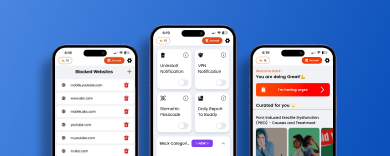
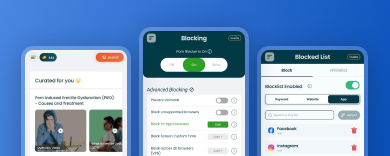
Sometimes setting your own limits won’t be enough. Using digital wellbeing features can help you manage your screen time, block distracting websites and focus on important tasks.
Apps with time limits, focus features and website blocking can help you develop healthier habits.
BlockerX can help users manage their access to certain content online depending on their device.
These should be used as support and ensure that you set realistic limits.
Simple Tips To Help With Doomscrolling
If you find yourself doomscrolling try following these 5 simple steps.
- Pause – realise you’re scrolling without a clear reason.
- Close – Close the news/social media.
- Reflect – Ask yourself if you actually need any specific information.
- Do – Get back to the task you were doing, take a break or chat to someone.
- Set A Limit – Decide when you will next check the news/social media.
These small changes can help you become more aware of your habits. Practising them regularly can help you stop doomscrolling and use your screen time more intentionally.
When Should I Seek Further Help?
If you’re regularly struggling with sleep, concentration, relationships and everyday tasks due to your online habits then consider speaking to a qualified mental health professional.
Especially if you’re struggling with ongoing feelings of anxiety, low mood and upset.
You don’t need to wait until everything gets out of control.
FAQs
What Is Doomscrolling?
Doomscrolling is when you constantly scroll through negative, worrying and stressful content online. You may continue to look at it even though it isn’t useful and is making you feel worse.
Why Am I Constantly Doomscrolling And Feeling Anxious?
There are many reasons why it can be hard to stop doomscrolling. This can include scrolling by habit, curiosity, uncertainty and constant updates.
Being aware of what is causing you to scroll and setting specific times to look at the news can help.
Is Doomscrolling Bad For My Mental Wellbeing?
Research has found that doomscrolling is associated with various aspects of mental wellbeing such as anxiety.
However, there isn’t enough evidence to show that it directly causes these issues. Everyone can react differently to online content.
How Can I Stop Doomscrolling Before Bed?
Set a specific time to stop looking at news and social media. Turn off any unnecessary alerts and charge your phone away from your bed.
Try to do something relaxing instead of doomscrolling such as reading, listening to music or getting ready for the next day.
Should I Avoid The News Entirely?
No. Being up to date can be useful and important. The aim is to be selective with your sources, look at updates intentionally and avoid looking at the same negative information repeatedly.
Final Thoughts
Knowing how to stop doomscrolling doesn’t mean ignoring what is going on in the world. But it can help you become more aware of how much information you are consuming and choose when to engage with it.
By setting limits, turning off unnecessary alerts and being selective with what you see you can develop a healthier relationship with technology.
Try making one simple change. Turn off any unnecessary alerts, set a specific time to look at updates or avoid using your phone in the last part of the evening.
Small limits can help you become more aware of your technology use.